Authors

Contents
Find out what your AI bill could drop to
"One key per person" is how Proxen measures and controls spend. This post explains what the key is, what it is not, and what travels with it: a model list, a budget, a hard cap and a log. No product tour, just the mechanics.
The shape of a per-person key
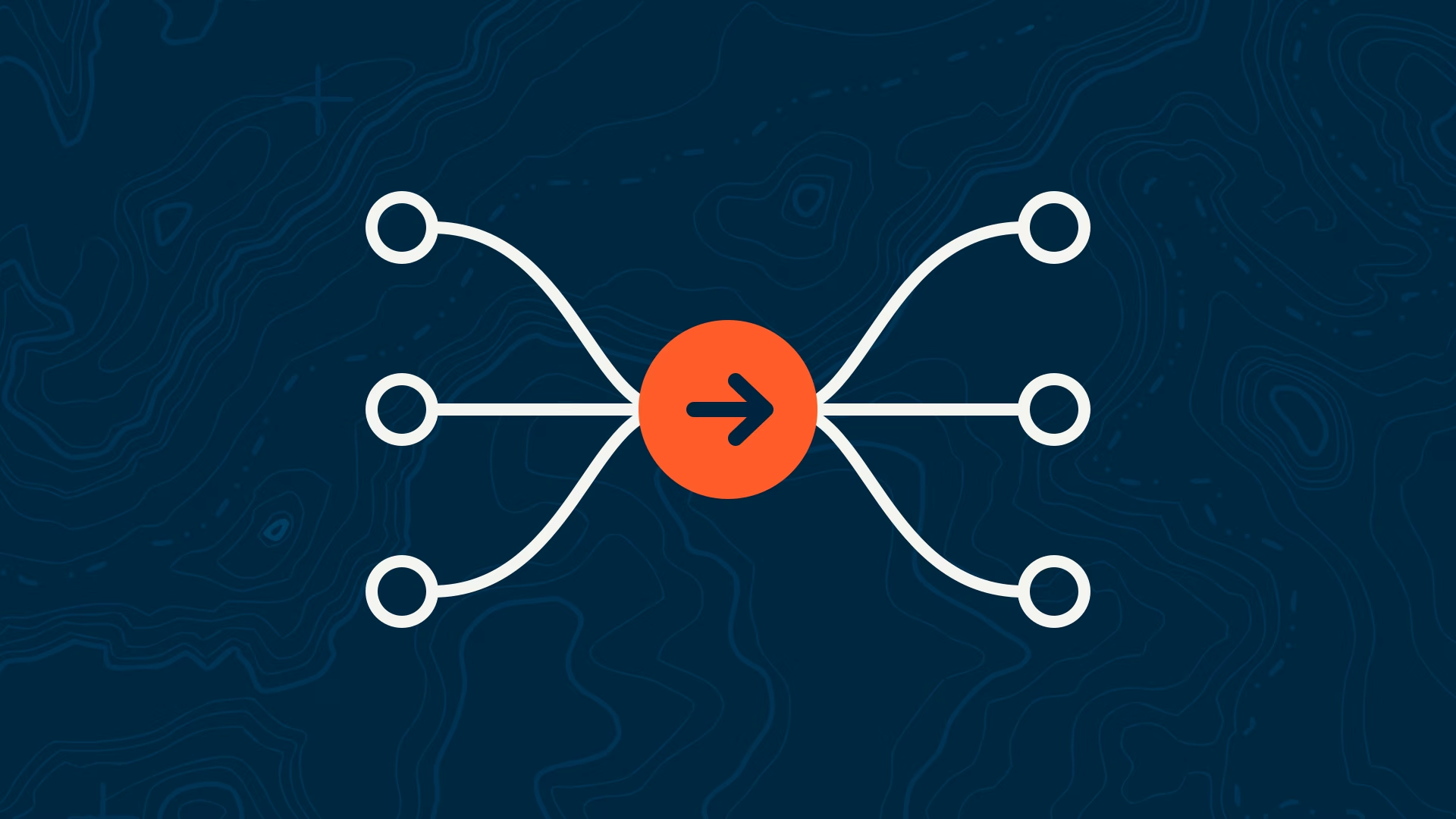
A Proxen key is a credential issued to one named person. It is not a provider key. It does not log into any provider account. It is accepted by one address, the Proxen gateway, which holds your company's real Anthropic, OpenAI and Google keys on the server side.
Each key carries four things: the person it belongs to, the team they sit in, the list of models they may use, and a monthly budget with a hard cap. Those settings live on the gateway, not in the key itself, so you can change them without reissuing anything.
What happens on each request
When a person's tool sends a request, the gateway does a short sequence of checks before anything reaches a provider.
- Identify the key and the person behind it.
- Check the requested model is on that person's model list.
- Check the person and their team are under budget.
- Apply routing and caching rules set for your company.
- Forward the request to the provider using your company's own account.
- Record who, which model, how many tokens and what it cost.
The provider sees a request from your company account. It never sees a shared login, and the person never sees the provider key.
Budgets and hard caps
Every key has a monthly budget. At 80 percent the person and the admin get an alert. At 100 percent the key stops. That stop is a hard cap: once the key stops at its budget, the next request is refused before it reaches the provider, not flagged after the fact.
Budgets stack. A person's budget sits inside a team budget, and the team budget sits inside the company's monthly allowance. One heavy user hitting their own cap does not touch anyone else's allowance. That is the difference from a shared plan, where one person's long week locks out the whole team.
You can set the budget flat, as a fixed monthly allowance per person that finance understands, while Proxen meters underneath so nobody can quietly burn it.
Model lists
The same key reaches Claude, GPT, Gemini and open models. Which ones it may reach is up to you. A common pattern: the engineering team can use the full range, the content team gets a mid-tier default and one premium model for final drafts, and contractors get a short list with a low cap.
Model lists are also where cost control starts. At Anthropic's standard prices, Claude Opus 5.5 costs twice as much as Sonnet 5.5 and forty times as much as Haiku 5.5, for both input and output (Anthropic pricing page, accessed 15 October 2026). Deciding which work may use the expensive end is a bigger lever than any discount.
Logs without prompts
Proxen logs the metadata of each request: who, which model, how many tokens in and out, what it cost, and when. It does not store prompt or response bodies unless you switch that on. For most teams the metadata is what they need: an answer to "who used what" without a second copy of every conversation sitting in another system.
If your compliance team wants full retention for a particular group, that is a per-team setting, not a global one.
Revoking a key
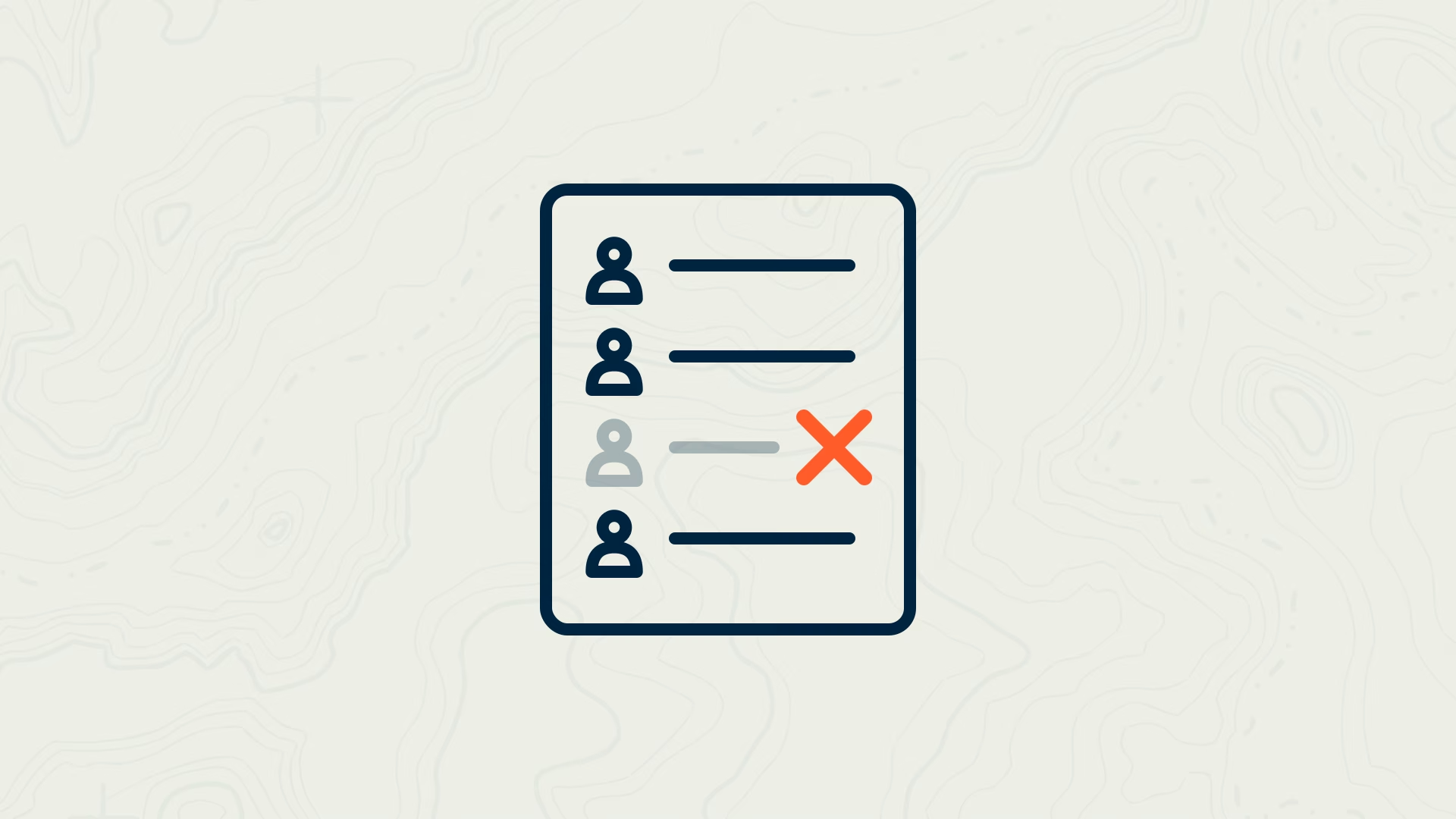
When someone leaves, you revoke their key. One click. Their requests stop at the gateway from that moment. Nobody else's key changes, no password is rotated, and no provider account is touched. Their usage history stays in the log with their name on it. We cover the full leaver process in Offboarding someone who knows the AI password.
What stays the same
The person's tools. Claude Code, Codex, Cursor, Cline and plain SDK scripts all accept a base URL and a key. Change those two settings to the Proxen address and the person's key, and the tool works as it did before. No new interface, nothing to re-learn. The setup steps per tool are in Pointing Claude Code, Codex and Cursor at one gateway.
Want to see your own spend by person, team and model, and what it could drop to? Get a free AI bill review.